 hmoban
 怎样用jupyter导入excel数据


怎样用jupyter导入excel数据?
Jupyter notebook只能打开当前目录下的数据集
相关推荐:jupyter教程
excel
有两种方法
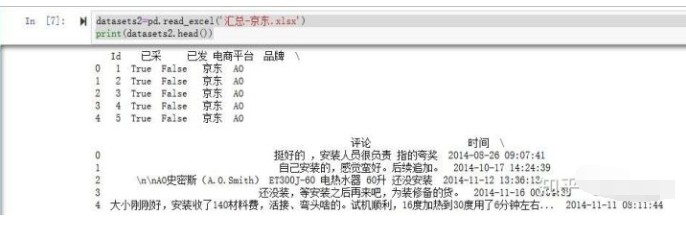
#用pd包中的read_excel方法
datasets2=pd.read_excel('汇总-京东.xlsx')
print(datasets2.head())
结果
#用pd包中的ExcelFile方法
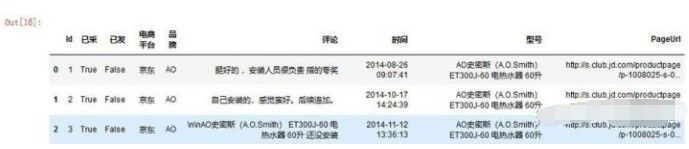
fileNameStr='汇总-京东.xlsx'
xls = pd.ExcelFile(fileNameStr)
salesDf = xls.parse('京东汇总')
salesDf.head(3)
结果
来源:PY学习网:原文地址:https://www.py.cn/article.html
